
Digital Payments & Transfers
All the Ways to Move
Your Money — Fast,
Safe & Secure

Make internal transfers, send money to friends, pay your bills, and more with GFCU’s secure digital transfer tools.
Generations FCU offers a wide range of digital payment services so you can manage your money from anywhere. From paying bills to sending money to friends or family, our secure, user-friendly tools make money management effortless.
Our Digital Payment and Transfer Options

Internal Account Transfers
Move money between your GFCU accounts with ease. Transfer funds from one GFCU account to another using Online Banking or the Mobile App — anytime, anywhere.

Member-to-Member Transfers
Send money to another GFCU member quickly and securely. Use the Mobile App or Online Banking and select Member to Member Transfer under “Transactions.”
You’ll Need: Their Member Number, Share ID, and the First 3 letters of their last name. You can also link accounts for recurring transfers.

Loan Payments
Make a one-time or recurring loan payment to GFCU. Pay Auto or Personal Loans using a GFCU deposit account or an external bank account. Click Loan Payments from the Main Menu under Transactions. · Note: Applies only to Auto and Personal Loans. Credit card and real estate payments follow different processes.

Smart Deposit
Deposit a check from your phone using Smart Deposit. Take a photo of your check and deposit it straight into your GFCU account with our Mobile App. Tap Smart Deposit under Transactions to get started.

Wire Transfers
Securely send large domestic or international wire transfers. Wire Transfers must be requested in-person at a GFCU branch.

Send Money with Zelle®
Send money to friends and family — even non-GFCU members. Zelle® is available through Online Banking and the GFCU Mobile App. Look for Send Money with Zelle® under the Transactions menu.1

Bill Pay
Schedule recurring or one-time bill payments. Enroll any GFCU deposit account and select Bill Payment from “Services” in the Online or Mobile Banking menu.

Digital Wallet Transactions
Tap to pay using your phone. Add your GFCU debit or credit card to Apple Pay, Google Pay, or Samsung Pay using our Card Management tools. Access Card Management through the Main Menu in Online or Mobile Banking.
1To send or receive money with Zelle®, both parties must have an eligible checking or savings account. Transactions between enrolled users typically occur in minutes. In order to send payment requests or split payment requests to a U.S. mobile number, the mobile number must already be enrolled with Zelle®. Zelle® and the Zelle® related marks are wholly owned by Early Warning Services, LLC and are used herein under license. Read Zelle® Terms and Conditions here.
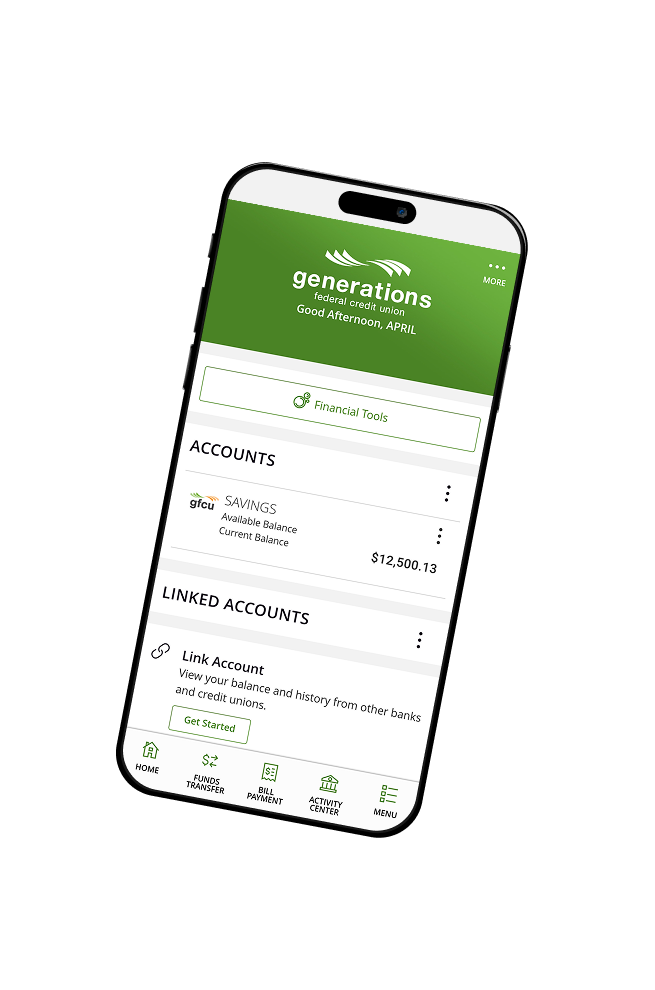

Mobile Banking Benefits

Convenient – Send or schedule payments from anywhere.

Fast – Many transactions process instantly.

Secure – Your funds are protected with advanced security tools.
Questions? Get Contacted.
"*" indicates required fields